


The slightly longer version
The dream is real; the game is back. After six years, our beloved game was discovered deep in a troll cave where a hero did battle mightily and prevailed! Now, City of Heroes is FREE! Free to play, free to enjoy, free to bring us the magic that we once lost.
There are a variety of servers to play on now (list here!), but the main ones I know of are Thunderspy (which has been the most ambitious in their changes), Homecoming which was first and so it has the most players by far (for now), and Rebirth.
Why Rebirth
Early on, sour grapes (valid, but sour) kept me off Homecoming due to their strong connection to the secret server, though I eventually did give them a month or two to see what it was really like. What I found:
- Homecoming is the only server continuing from the secret server code (i25). This means they have the advantage of being "ahead" as far as development, but that development was by that one guy working basically solo.
- Many changes were made to streamline play which in many cases removes any point to playing certain arcs or content or hunting for costume unlocks
- The level progression is very fast. You can enable 2xp at any time.
- Items and options (like reward tiers) are fully opened and unlocked. You get most things immediately.
- Bases are free for any size and without restrictions.
- The market has no levels for recipes - everything is attuned removing the need to play the market or update your enhancements through the game.
Being completely fair, this works for tons of people and I'm not judging, but they went too far for me. I want to struggle a bit. I want to have to work for it. I want to play the game. Granted, with their population, Homecoming SOCIALLY feels like the old game, but the mechanics weren't what I wanted. Enter Rebirth:
- There was a team of volunteers (Ourodev)who looked at the code leaks (the secret server code and the original i24 files from NCSoft) and decided to abandon the "progress" made over six years by that one guy.
- Instead, they would streamline, fix, and smooth out the original code - polishing it to the best degree possible.
- Once they built a solid base (the i24 base), development could continue from there, but as a COMMUNITY and with a common code base.
- All non-Homecoming servers use i24 code which means stuff coded by one group could theoretically be shared or at least modeled by others.
Philosophically, Rebirth is the server that most closely feels like "live" to me and that made it a clear choice. That's not to say Rebirth is treating the game like it was flawless - there are nuances (well described here in SilverAgeFan's post) in how and when the team is diverging from the official build of yore (mostly in being a little more creative and obviously without the tethers of trying to make the game profitable).
Mechanically, Rebirth has made sensible changes (like unlocking any paid content and reducing day job badge timers to only 5 days instead of 21 and granting monthly reward tiers 1 to 2 a WEEK), but further changes are made sensibly, over time, and with community input. Their general method is building on the game almost like it never left and had continued development from where we left off. Taken together, I believe that Rebirth is the server of the future - the one that will go the distance.
Since their foundation changes, they've introduced an entirely new archetype (Guardians), added great new features, and even implemented SOME of the changes HC pioneered (like being able to quickly change your mission difficulty through a chat menu instead of going to the Hero Analysts. There's more to come, but at a pacing and with the FEEL of the original game that no other server can match.
Are you ready?
News
Someone asked me about content I knew I had on my old Jordans-town.com webpage which I had stuffed into some dinky corner of my webserver -- still accessible, but needing some love. I got the funny idea to check the domain and it was AVAILABLE again. Well, City of Heroes is back so why not my page too!?
That said, it definitely needed some updates. I've learned a lot about web design in the last 11 years and though I was proud of what I'd done back then, this wasn't my best work by today's standards:

I spent about a week (that's all it takes to make old new and awesome when you know what you're doing :D) revamping it into this:

Hot dog. Now THAT is an improvement :D
Most importantly, the page now focuses on the return of CoH and I'll be using it to help guide people back to the awesomeness!

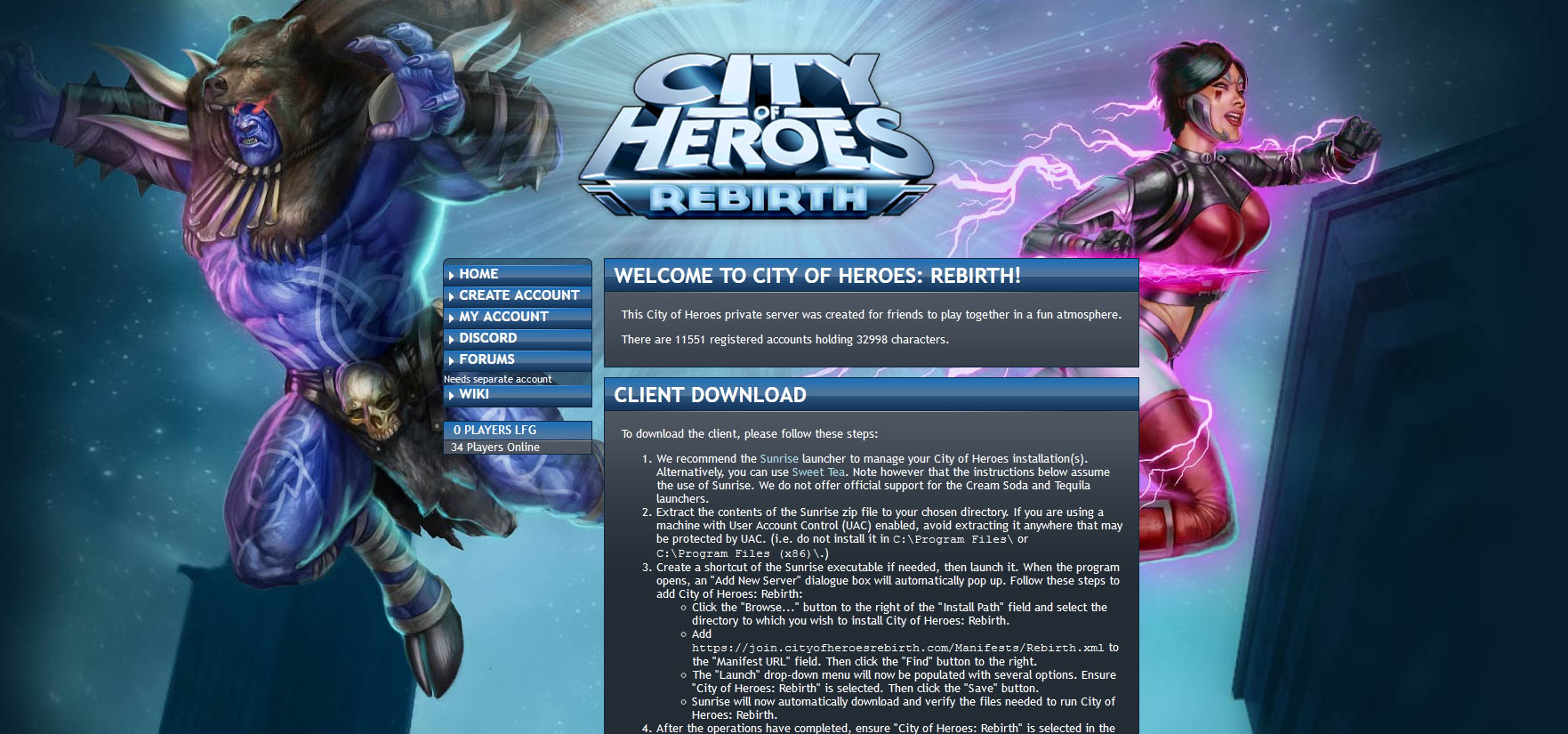
Thanks to some pushing along with a Mod team who is open to help, I redesigned the Rebirth Forums to make them look snazzy instead of default and bummery. I only did the top and background, not the majority of the content area, but it's still great progress!
Timecards for promotion time!
I ended up with a whole bunch of CoH/V timecodes, but I can't use them myself (there's too many). Head over to my Main website to learn more!